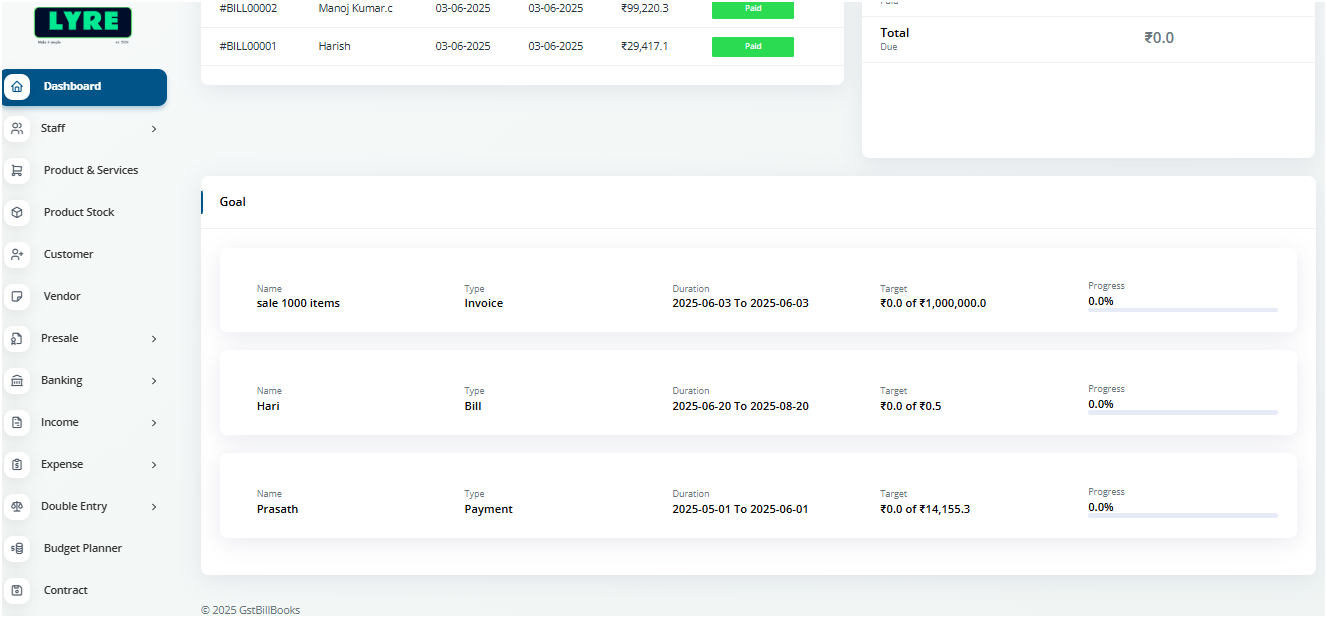
Create Goals
-
Login to your GstBillBooks(https://gstbillbooks.com/) account.
-
Choose Goal on the left side menu.
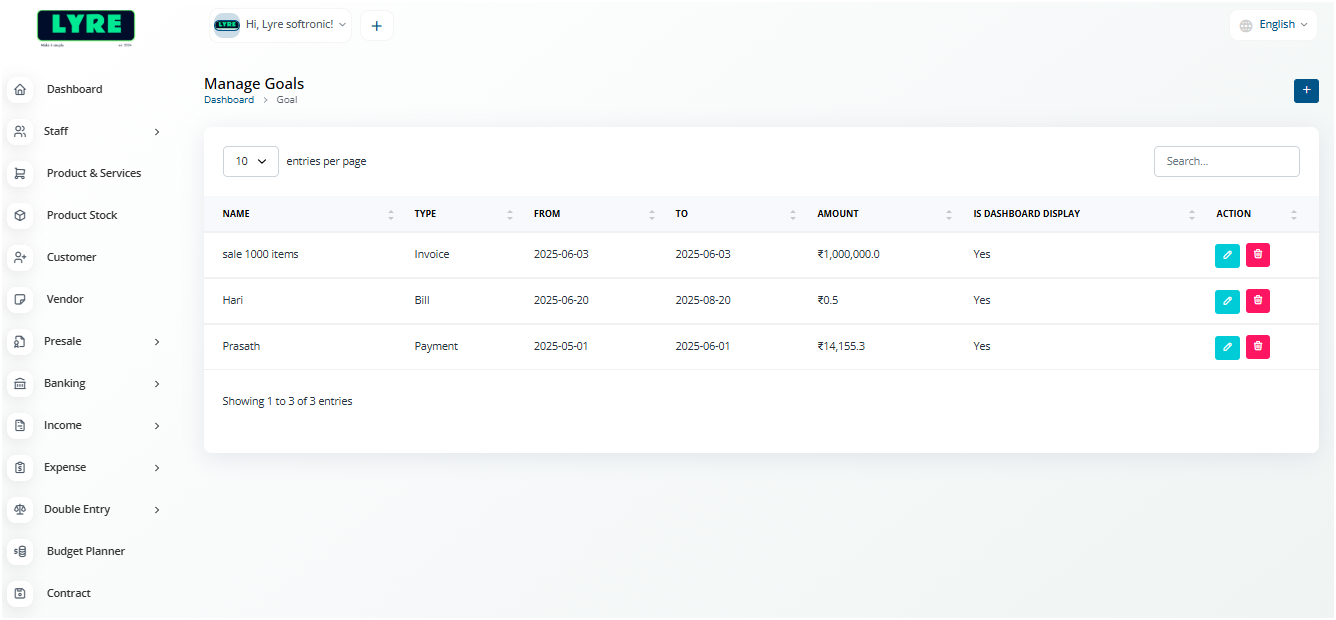
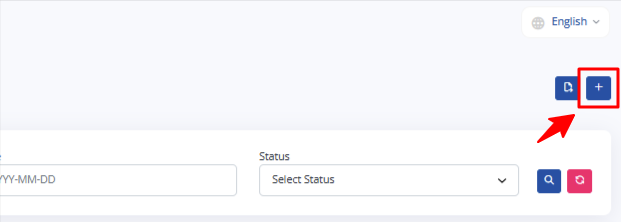
- Click on the '+' plus button on top right side to create.
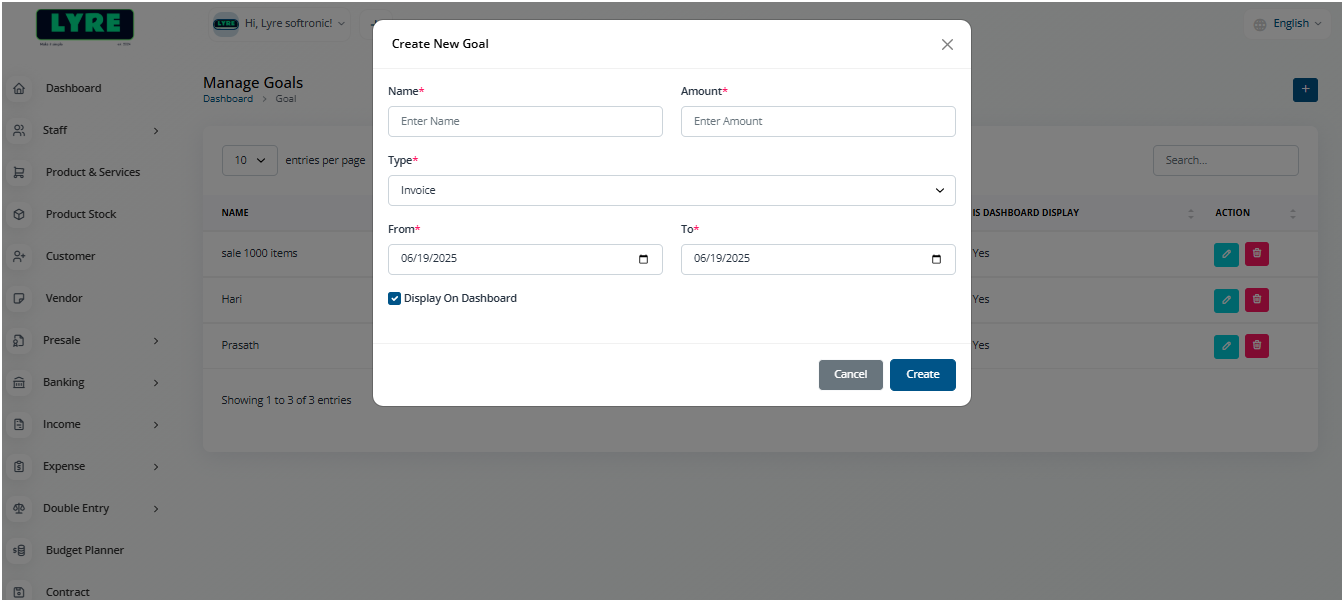
- On the create page set a name and choose the transaction type which you want to set goals for, such as Invoice, Payments, etc.,
-
You can select the option Display On Dashboard to view on Dashhboard.
-
Once created you can see the Goals on the Dashboard bottom.